
View Categories

How to Buy Worksheet?

Step 1: Click any entrance to enter #

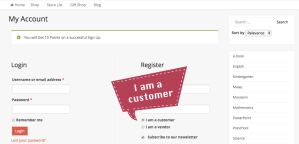
Step 2: Sign Up #

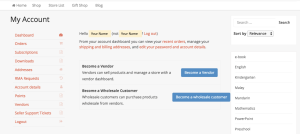
Step 3: Register as a customer #

Step 4: Log in again from the verification email #

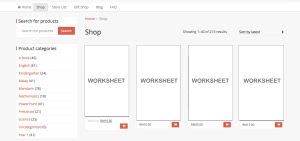
Step 5: Click ‘Shop’ to shop or use ‘Search for products’ #

Step 6: Click the ‘Cart’ icon to keep the product in the cart #

Step 7: Click ‘View Cart’ or ‘Checkout’ #

You can add more than 1 product or more than 1 vendor’s product in the cart too. Then checkout if you have finished shopping.
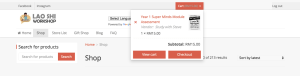
You can apply coupon and points if you have.
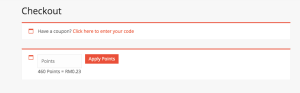
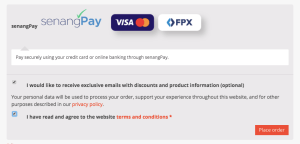
Step 8: Place order #

  1. Fill in the billing details
  2. Tick or untick the first statement.
  3. Read the terms and conditions and tick it.
  4. Click ‘Place Order’ to confirm your order.

Step 9: Choose a payment method #

  1. Fill in your contact information
  2. Choose payment method: Credit Card, FPX, Boost, TouchnGo
  3. Pay the amount

Step 10: Go to ‘My Orders’ #

  1. Click ‘My Orders’ at the right corner dropdown.
  2. Click ‘View’ according to your order.

Step 11: Download and done #

Video Tutorial #

I hope this article helps you.

If I can be of assistance, please do not hesitate to contact me.

WhatsApp Miss Yip +60199895206